Claude Code SVG Logo Design: A Reusable Skill for Generating Logos
A few months back I wrote about using Claude Code as an ad-hoc logo generator. That worked well but it was a one-off workflow — every new logo meant explaining the same process from scratch. So I turned it into a reusable Claude Code skill.
The skill handles the full logo design workflow: interview, explore, refine, export. You point it at a project, it gathers context automatically, generates SVG concepts in parallel, and then you iterate through conversation until you land on something you like.
I used it to design logos for two apps this week — Bullhorn (a social media scheduler) and Seatify (an AI seating chart tool for weddings). Bullhorn took 17 iterations, Seatify took about 6.
How It Works
The skill runs in four phases.
Phase 1: Interview
When you say "design a logo for my app", the skill first reads your repo — README, package.json, CSS files, existing branding — and extracts everything it needs: project name, purpose, color palette, design language. Then it asks you a few structured questions (format, style direction, color preferences) using Claude Code's AskUserQuestion tool so you're picking from options instead of typing freeform.
For Bullhorn, it pulled the sticker bomb aesthetic, the gold/pink/purple palette, and the Nunito font from the codebase. For Seatify, it found the editorial style, Playfair Display serif, and the gold/teal/purple palette. That context feeds directly into the concepts it generates.
Phase 2: Explore
The skill generates 3-5 distinct concepts in parallel using Claude Code's Task tool — each concept gets its own subagent with a different creative direction. For Bullhorn, it generated five concepts simultaneously: a classic megaphone, a sticker-style tilted megaphone, a bull+horn mashup, a speech bubble hybrid, and a megaphone with clock.

Classic

Sticker
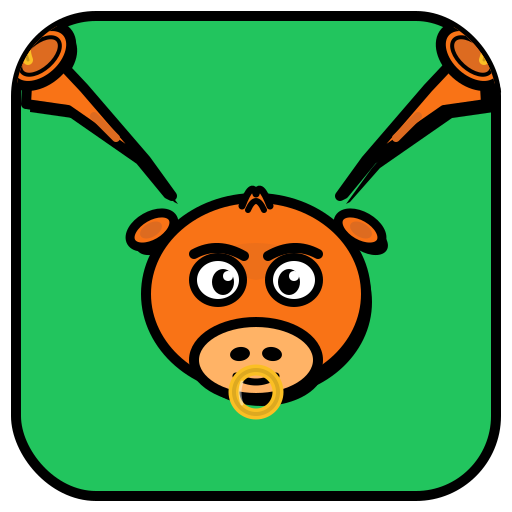
Bull mashup
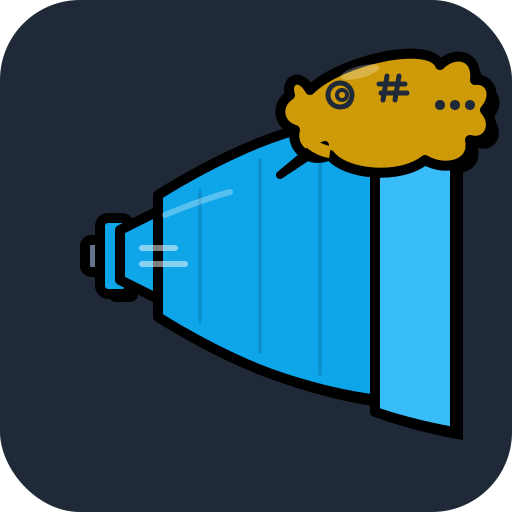
Speech bubble
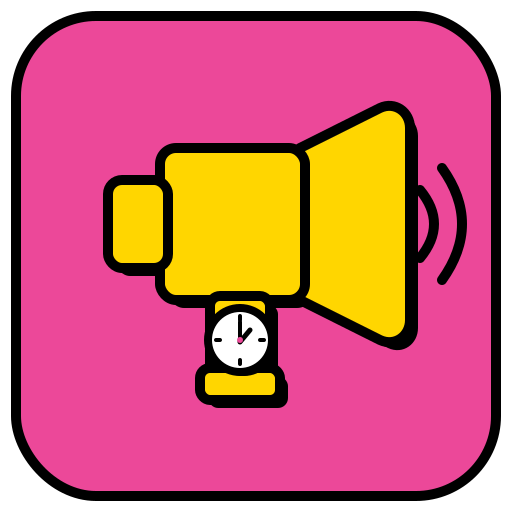
Clock
All five concepts come back in seconds. The skill builds an HTML preview page with a light/dark toggle so you can evaluate them side by side.
Phase 3: Refine
You pick a direction and iterate. This is where most of the design happens. The skill handles two modes: single tweaks ("make the icon bigger", "change the blue to green") and batch variations ("try 5 different color palettes"). Batch variations run in parallel, single tweaks are sequential.
For Bullhorn I picked the sticker megaphone and the clock concepts, then went through a progression: experimenting with colors, removing the clock (too small at favicon size), trying different angles, scaling up, and recentering.
Start

Purple + waves

Tilted

Final
One thing I learned: always check small sizes early. The skill now builds a favicon size check strip into the preview — rendering each iteration at 64px, 32px, and 16px. This caught two real issues: a clock detail that vanished at favicon size (Bullhorn concept 5) and a table outline that was too thin to see (Seatify). Both were easy fixes once caught early.
Phase 4: Export and Ship
When you're happy, the skill exports PNGs at standard sizes (16 through 2048px) using a bundled shell script. It also has a repo integration phase — it'll clone your project repo, replace the favicon, app icons, and PWA icons, then create a PR. Both Bullhorn and Seatify logos went from "I like this one" to merged PR in under a minute.
The Seatify Logo
Seatify was a faster run — the concept clicked early. The skill generated five concepts: a chair silhouette, a top-down table with seats, a serif lettermark, a place card, and an abstract grid.
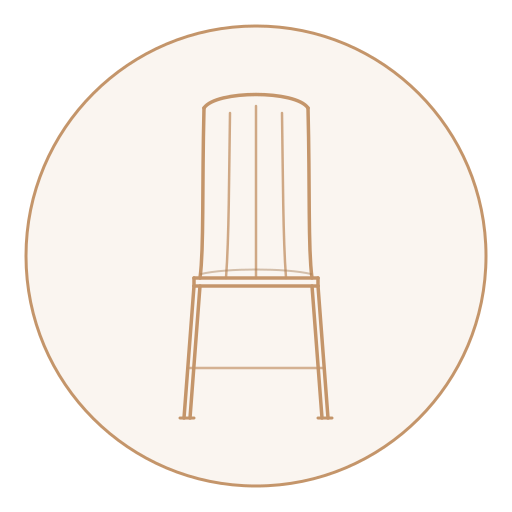
Chair
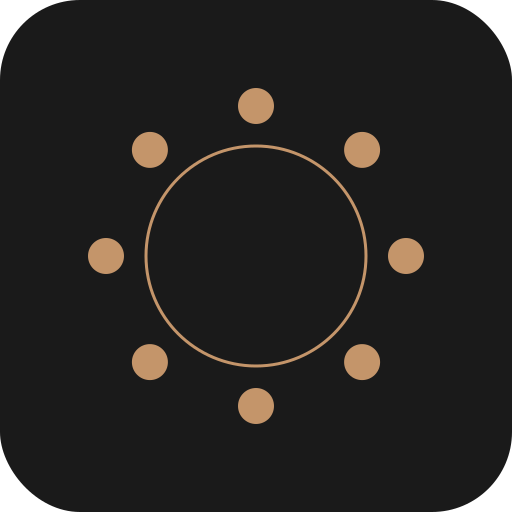
Table + seats
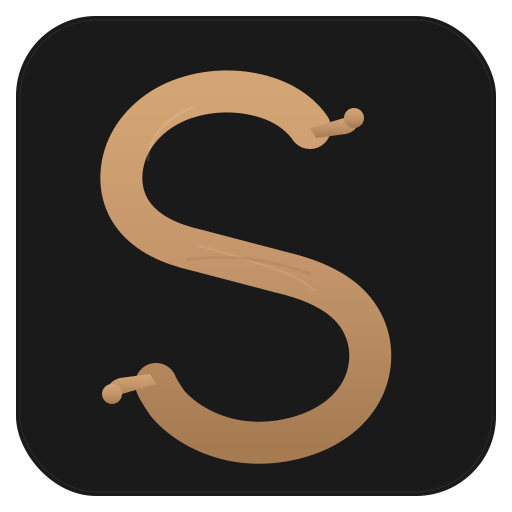
Lettermark
The top-down table view was the clear winner — it captures what the app does (seating arrangement) in a way that reads at any size. After a few color variations and thickening the table outline for small-size legibility, it was done.

Final Seatify logo
What Makes This a Skill Instead of a Prompt
The first time I did logo design with Claude Code, it was a raw conversation. It worked, but I had to re-explain the workflow every time. The skill encodes the process:
- Automatic context gathering — reads your repo before asking questions, so it doesn't ask things it already knows
- Structured questions — uses
AskUserQuestionwith multiple choice options instead of open-ended prompts - Parallel generation — dispatches multiple
Tasksubagents simultaneously for concepts and batch variations - Preview system — generates an HTML preview page with light/dark toggle and favicon size check strip
- SVG conventions — enforces self-contained SVGs, meaningful group IDs, no external fonts, small-size legibility rules
- Export pipeline — bundled shell script that generates PNGs at all standard sizes
- Repo integration — replaces project icons and creates a PR
The skill is about 350 lines of markdown. It's just instructions — no code, no dependencies, no API keys. Claude Code reads the SKILL.md file and follows the workflow.
Try It
The skill is open source: github.com/neonwatty/logo-designer-skill
You can see the full iteration history for the first logo I designed with it (37 iterations) at neonwatty.github.io/logo-designer-skill.
To use it, clone the repo and point Claude Code at the SKILL.md file, or install it as a plugin. Then just say "design a logo for my app" and let the conversation guide you.